
Patrik
Wise word of the week
When things don’t make sense, take a break and step back to look at the problem as a whole.
Journal
This was another week of mixed feelings. I was still working on last week’s problem, completely rewriting the AVS computation to fix one issue. This rewrite will also allow for a better and cleaner implementation to include the “Erziehungsgutschriften” and fix some minor issues with the 13th AVS month payment. ESCAL was my friend!
The AVS has many strange corner cases, but I also learned a few new facts. The pension computation consists of the number of contributing months and the contributing salary. They first need to check if a year counts for the contribution (i.e. being gainfully employed), at which point the months of the year are accounted for.
When married, the situation is a bit inconsistent (but for a good reason). The contributions are only split when the younger person reaches age 65. The contributing months of the spouse are always considered, even before performing the split. This is in case a stay-at-home person reaches 65 first, allowing them to get a minimal pension (same contributing months as the spouse but no contributions) instead of no pension at all.
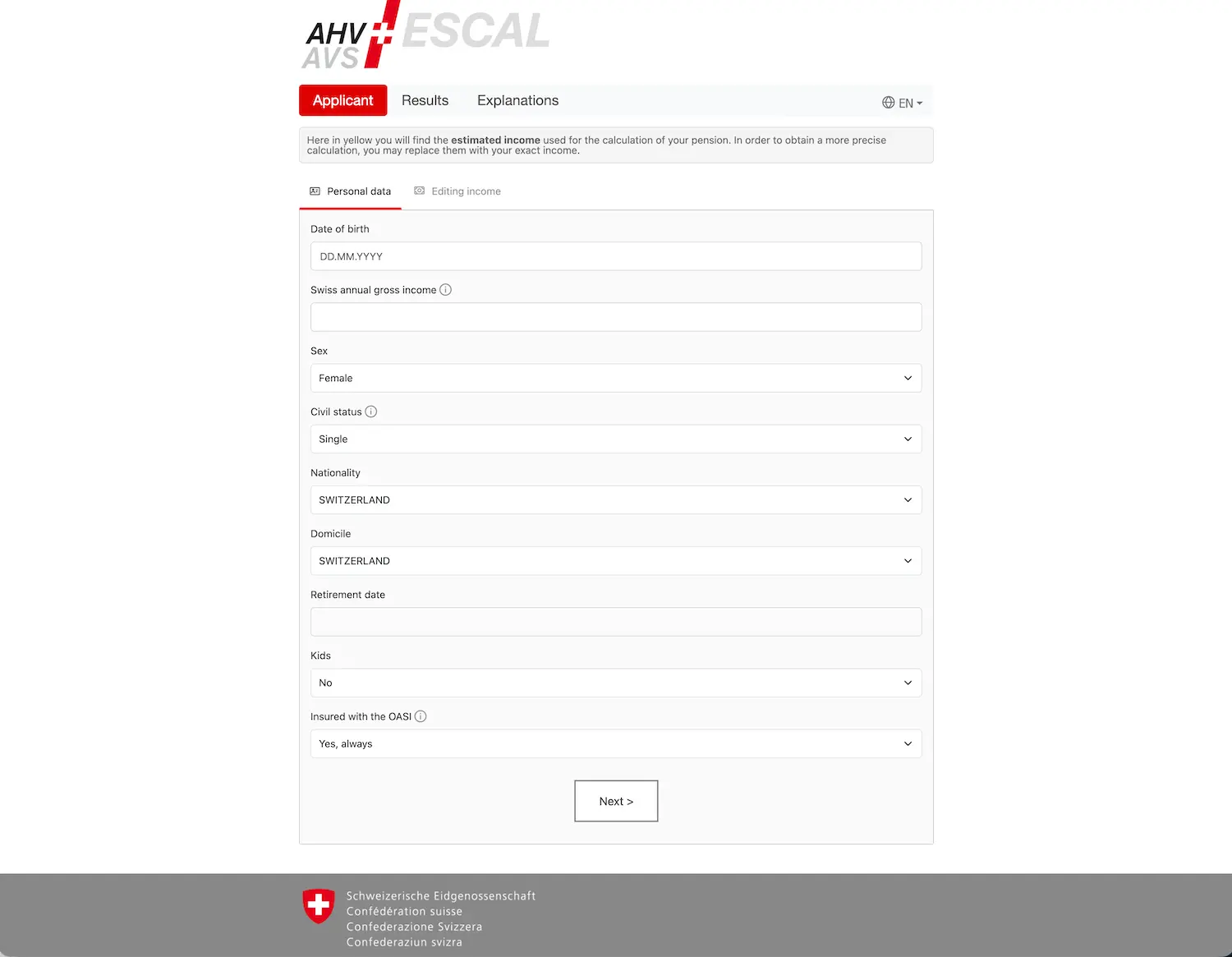
The split between contributing months and contributing salaries can have a strange side effect: it’s possible to contribute enough money without contributing enough months. According to Gemini, this is not resolved automatically; apparently, one needs to register as non-gainfully employed to trigger the AVS comparison computation, forcing them to account for the whole year. Something I will try out ASAP.
I spent a lot of time in “deep work” (or rather “monk mode”) to get the computation right, eventually getting stuck on correctly handling late claims (past age 65). It still doesn’t work properly for spouses. And then, in a quiet moment, I realized that this case actually doesn’t really matter for my simulation and I could safely ignore it. Duh! Well, I guess on the positive side, I can now move on.
How did I use AI this week?
After last week’s ups and downs, I decided to use Cursor with Claude Sonnet as the model because I needed some more brain power. I worked in iterations, refining the problem. This week, we are handling contributions for married people.
The results and code quality were better, which is excellent. I (obviously) still needed to do some regular refactoring, but nothing too major. And sometimes I feel like the refactoring is just a good excuse to learn what the generated code actually does since I’m the one stuck owning it.
One interesting effect was that Claude tried really hard to make things work as defined by my unit tests, but sometimes it tried too hard. It seems like Claude sometimes gets stuck in the same “tunnel vision” problem I complained about last week, eventually trying to brute-force the solution by whatever means makes the test pass, instead of giving up and asking for advice.
These are the moments where it’s actually beneficial to step back and look at the problem at large, and start challenging some of the assumptions or structure of the solution, rather than taking everything for granted.
I guess it’s a sign of maturity to see the AI making very human mistakes…
Marc
The build
I had very little time this week to focus on concrete new product development.
On the other hand, I couldn’t stop thinking about our current subscription pricing model. See below.
The edge
We decided to go with a yearly subscription plan, as it best reflected our real usage.
Indeed, at first, as I did with VZ back in 2015, you think you want a one-shot simulation. Then you get your results. And you think: “Hey but wait, what if
And that was the same thing all over again when Patrik granted me access to FI Planner for the first time. I thought I would enter my numbers, get my info, and move on. Except that such a simulation tool is so (so!) addictive. I think I played for 3.5 hours straight with more than nine scenarios the very first evening.
And as I explained on my blog, FI Planner is now part of my monthly routine. Because our life changes with new unexpected events, or plan changes. And that’s where I’m glad to have access/subscribed to the tool.
Now, because I’m writing this into the “Edge” section: we’ve got several people from the waitlist asking for a one-shot simulation, nevertheless. On the one hand, unless you have your 1st pillar info at hand, you already need to wait 5 weeks before you receive your AHV extract. And then you need to gather all of your other numbers. Hence we’re thinking about a one-shot simulation with 2-3 months access to the tool. And at the moment that’s the struggle we are thinking about: keeping it a subscription model no matter what, or completely shifting the product perception (aka not a subscription, but a one-time thing, that you can maybe reactivate if you need it in the future).
Work in progress (mostly in the shower, as that’s where my brain is the most free to ramble).
Note to a friend
I’ve read the following this week by the Head of Product at Notion. And it aligns well with my recent thoughts about AI:
The SaaSpocalypse is overstated. People don’t actually want to maintain their own software. Max tried rebuilding Notion in a weekend and concluded that most people don’t want that. ‘Software is like a garden. You need to tend to it. The thing you pay for in the as-a-service is the maintenance.’ Anthropic, of all companies, runs on Slack.
The more I see where AI is going, the more I see it as WordPress for websites: yes, everyone can build one. No, your bank website and e-banking system don’t run on it. Both because complexity is higher and because maintenance grows over time.
Clearly, we received dozens of great “weekend” ideas in the realm of FI Planner so far, but you then need to scale them and maintain them. Yourself. And I’m not even talking about distribution here.
I’m surely biased as we’re building a SaaS ourselves with Patrik. But still, even if I were alone today, I wouldn’t want to maintain my own version of FI Planner with taxes and other rule changes almost every year. We’ll see how things turn out in 2-3 years.
Tool of the week
I’ve got two highlights this week.
iLovePDF: I’ve used this free service for years now to compress PDFs. It’s excellent, well designed, AND without ads. And as I had a lot of PDFs to deal with to upgrade my programs, including OCR-izing them, I checked what was out there. As an existing user, I checked the paid version of iLovePDF, to realize that it was only €9/month! With it, you get unlimited (compared to 2 in a row with the free plan) manipulation of PDFs.
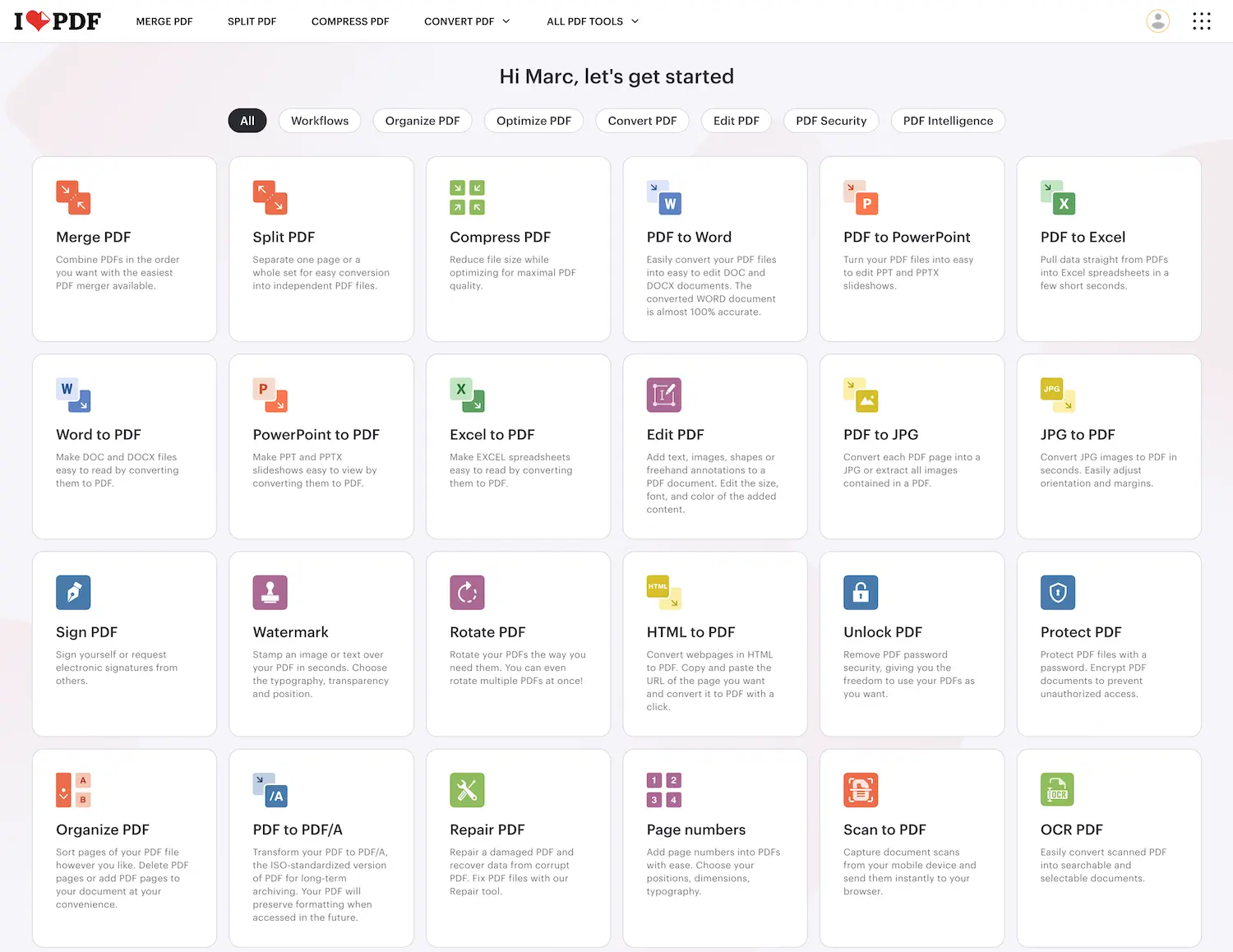
One other tip is: download their software app, which is even faster than the web version. It saved me hours of clicking when compressing and OCR-ing all my programs. Highly recommended.
Google Design System skill.md: Google aims to standardize how Design Systems are described with this. I watched some YouTube videos about it, and it seems promising. I haven’t (yet) created the final version of our FI Planner Design System with it. I just didn’t have time. But I can’t wait to have one single Design System format, that can then be reused with whichever Claude Design or Figma tools come along!
Ah, and no regrets about signing up for Claude Max (USD 100/month version) as I have never been limited, nor have I had to buy extra credits so far ;)